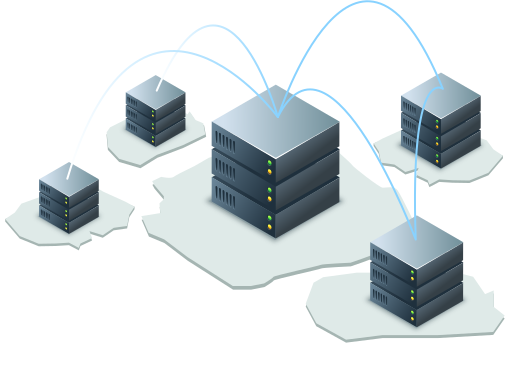
Start Replicating for Maximum Data Resilience
Enhanced Redundancy
Automatically create duplicates of your data to strengthen disaster recovery and improve resilience.
Faster Access
Keep your data closer to teams by replicating it across multiple locations, ensuring seamless local access.
Effortless Management
Set up and control replication policies through the centralized web interface for complete flexibility.
Compliance Ready
Meet industry regulations by ensuring data is consistently replicated and securely stored across regions.
Set Up in Few Simple Steps
Replicating your IDrive® e2 data is easy—no additional service fees, just the standard storage rates.
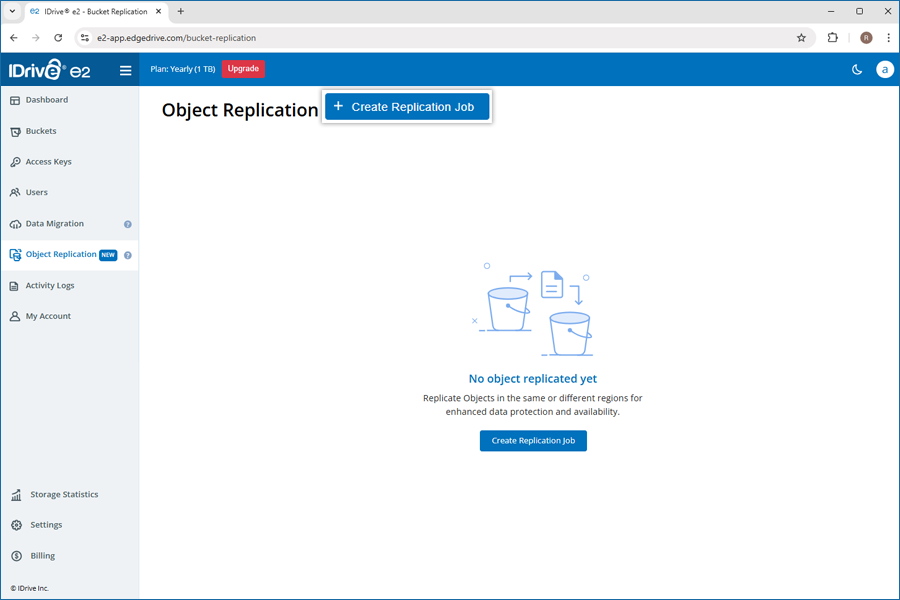
- 1 Start Cloud Replication
Navigate to Object Replication and click Create Replication Job.
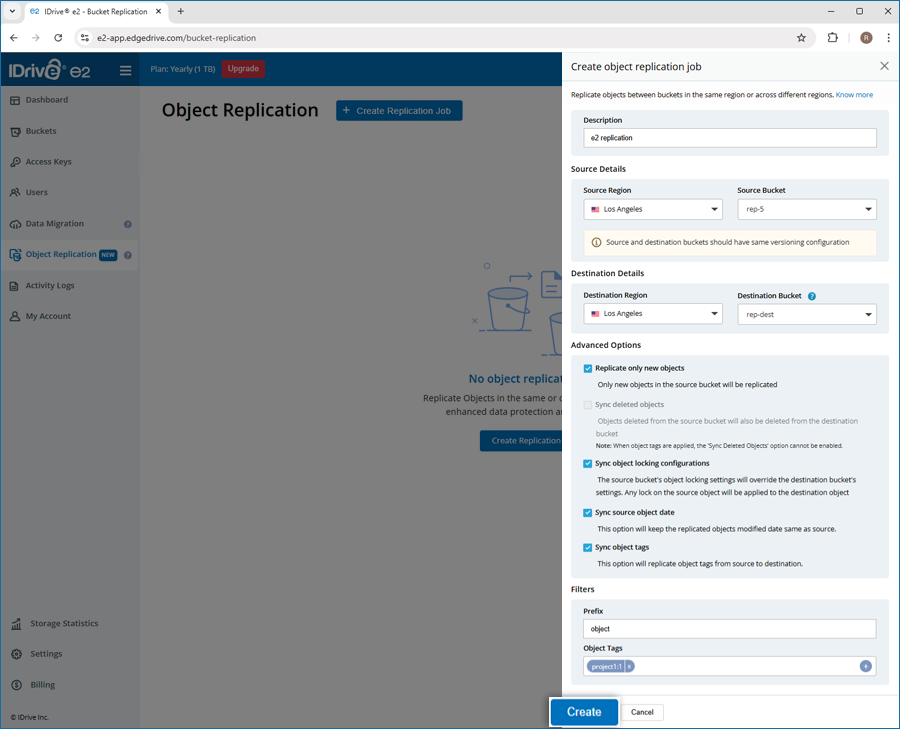
- 2Define Replication Rules
Select source and destination buckets and configure replication settings.
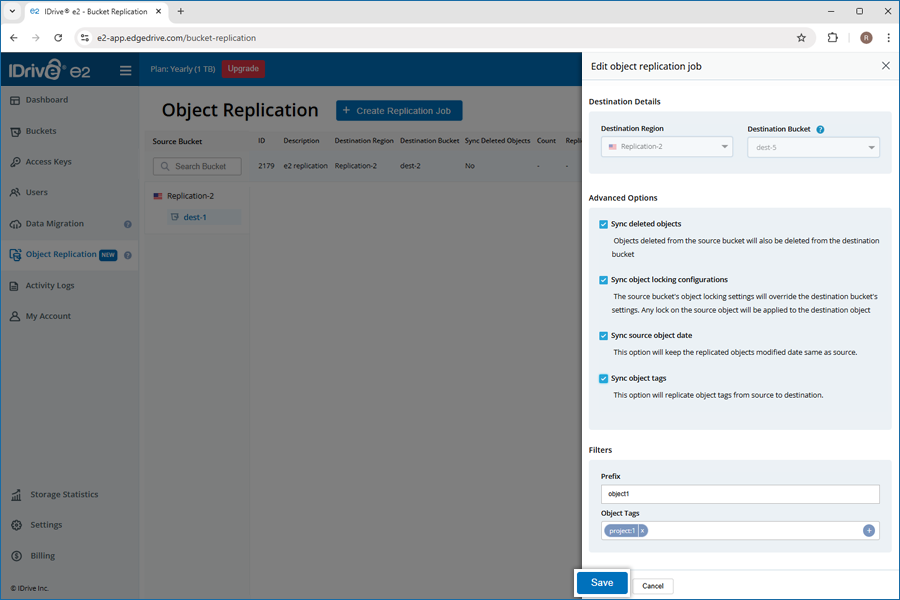
- 3 Activate and Manage
Monitor replication status; modify or delete replication rules anytime.
For more information on Cloud Object Replication, visit FAQs >